-
771 Windsurf Street, Roodepoort, SA
-
+27 83 319 7201
-
darwin.ait03@gmail.com


DARWIN IT
IT Managed
Services
Darwin IT & Associates understands that business owners and managers are constantly challenged by the task of managing the demands of growing their companies while coping with continuous technology challenges. That’s why our focus is to keep your systems up and running so that you don’t have to worry about your technology. We want to help you realize the productivity gains and ROI you have been expecting from your IT systems.
Protect Your Business from Daily Threats
Your computer systems are vulnerable to a host of daily threats: viruses, spyware, data theft, security breaches—and they can come from just about anywhere. These distractions are unnecessary and expensive. No business is immune, but there is a solution.
Darwin IT & Associates understands that business owners and managers are constantly challenged by the task of managing the demands of growing their companies while coping with continuous technology challenges. That’s why our focus is to keep your systems up and running so that you don’t have to worry about your technology. We want to help you realize the productivity gains and ROI you have been expecting from your IT systems.
What Are Managed IT Services?
We provide a range of proactive services to keep your computer systems operational and your people and business productive. With our managed IT services, we can remotely monitor your systems to let you know something is wrong and remotely access them to troubleshoot and even resolve issues without deploying a technician to your site. In the event a technician is required, we respond quickly to get your system back on track.
Why Companies Need Managed IT Services:
To make sure company data is safe, they should consider using a Managed IT service for their business. This service guards data by protecting it from cyber-attacks and external threats. Managed IT services can be a lifeline for any company, providing data center solutions, cloud computing, disaster recovery planning, and cyber security. These services span from computer systems and asset management to software and hardware installation.
Key Advantages of Managed IT Services
Predictable & Scalable Spending
Managed IT services help businesses reduce overhead costs with predictable, scalable pricing that grows with company needs. These services reduce the stress of administration, freeing up time for other important tasks while adding security to the business.
A managed IT service provides more efficient IT support with a team of experts who are specialized in the industry. They take care of all business needs at a fixed monthly cost without surprises or hidden fees.
Avoid Sunk & Operational Costs
Sunk costs are incurred at the time of investment and cannot be recovered. Operating costs are incurred to maintain an ongoing business process and can be recovered.
Small to medium enterprises face the problem of handling IT services internally, which means shouldering sunk and operating costs. With Managed IT service providers who do all the work, enterprises can avoid sunk and operational costs altogether.
Improved Response Time
Response time is a key metric to measure small business performance online. Improved response time for customers is an important factor in making them happy and retaining them as loyal patrons.
Quickly getting back to customers’ queries and resolving their issues before they take their money elsewhere helps you gain more loyal clients and maintain your online presence at a higher level. Several companies have leveraged Managed IT Services to improve customer service, ensure crucial systems run at optimum efficiency, and reduce downtime.
Expertise & Practical Knowledge
A Managed IT service is a perfect option for small business owners as it provides expert help from qualified personnel without needing to hire their own IT personnel. This service not only takes care of technology needs but also improves productivity and security.
Moreover, this service is affordable and flexible to work on all levels of the business.
Proactive Monitoring & Problem-Solving
Monitoring and problem-solving on a proactive basis is a major advantage of using Managed IT services. A proactive approach ensures your network, hardware, software, and data are always updated and protected from the latest threats.
A Managed IT service provider monitors data, networks, devices, applications, and servers 24/7/365 to identify problems before they become major issues, fixing them early to save time, money, and resources.
Reduce Business Threats
Reducing risk is an advantage of using an IT Service provider. Organizations need to focus on running day-to-day operations without worrying about solving technical problems like network outages or server crashes.
Managed IT services give you peace of mind knowing that your company’s data and technology are secure and safe from hackers.
Setting Up a Small Business Server
A server is a hardware component or software application that grants other computers connected to a single network access to data, software, services, or storage. The other computers on the network are referred to as “clients” and the server’s purpose is to relieve some of their duties.
Servers aid in resource prioritization and offer a more secure framework for data exchange and archiving than individual devices. Servers can host and provide services for various company needs, including business apps, data backup and archiving, database management, e-commerce, email routing, file management, website management, etc.
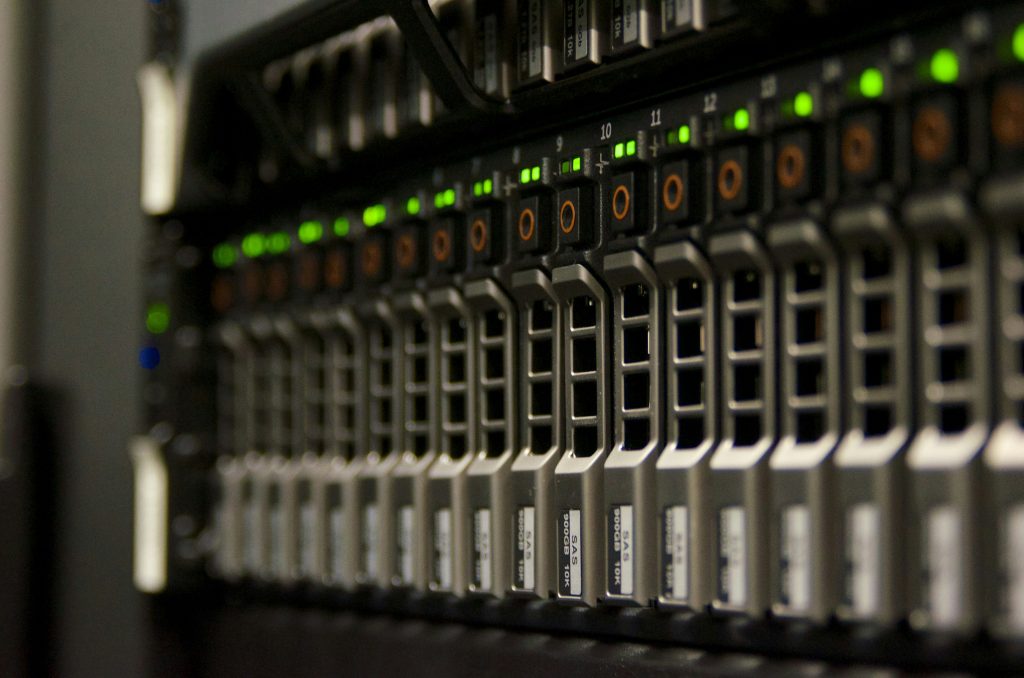
1. Server Hardware
Although business servers can carry out a wide range of functions, they are most effectively used when carrying out just one or a few particular jobs. Depending on your server’s functions, different hardware and functionality will be required.
Types: File servers, database servers, web servers, mail servers, print servers, domain servers, and application servers.
Form Factors: Tower, Rackmount, and Blade.
Pay close attention to RAM, hard disk storage, and CPU size based on the server’s intended use. All of these factors will affect the price.
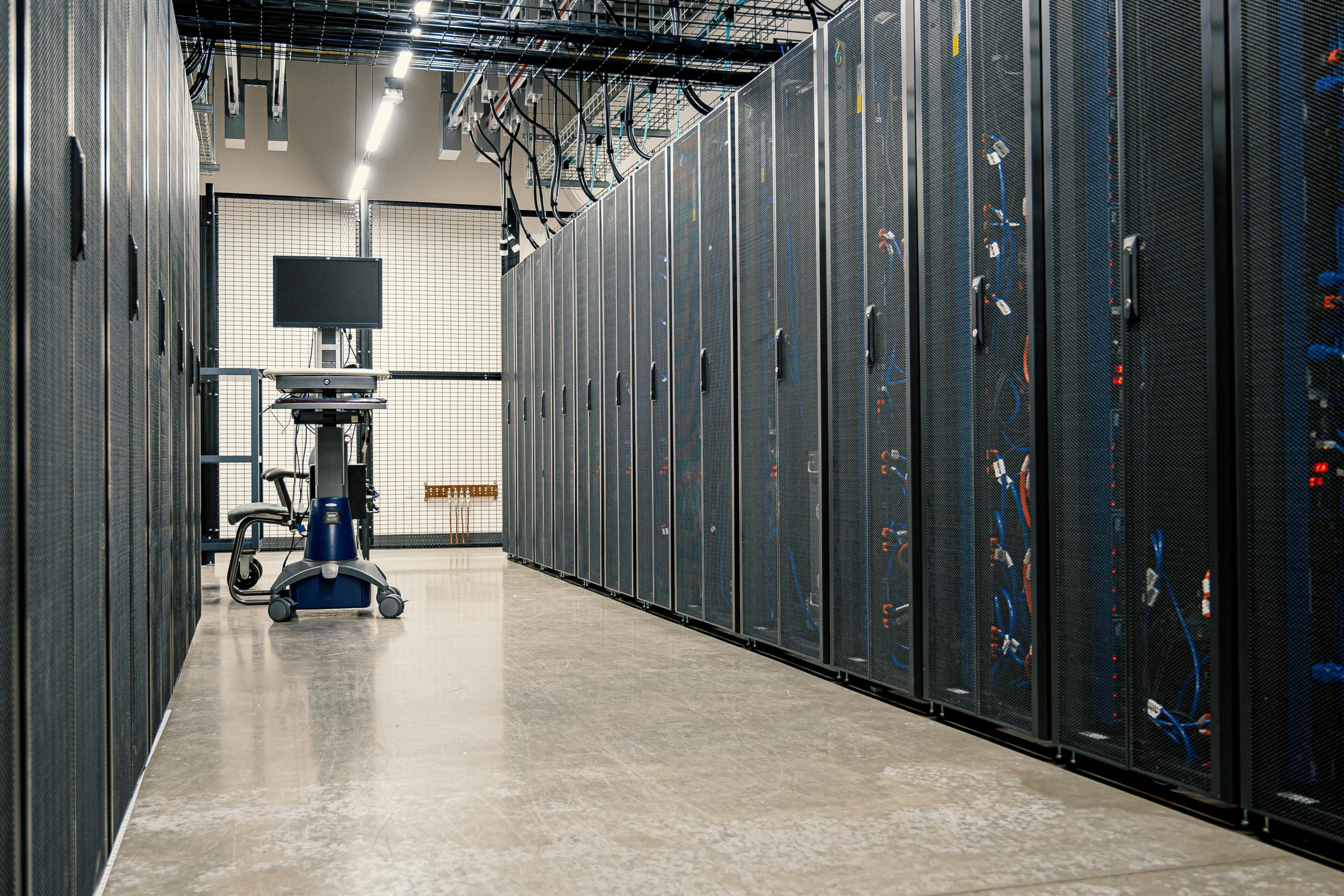
2. Server Location in Your Office
Typically, your server should be housed in a separate room. It is beneficial to have a dedicated place for your server, even if you decide to go with a small tower server. From a noise-level standpoint, it’s a good idea to isolate server hardware from common use areas. This is also true for added security.
You can reduce several risks to data security by managing physical access to the server. For some regulatory compliance, this might even be necessary.
Your server room should have no windows and accommodate installing cooling systems and backup power.
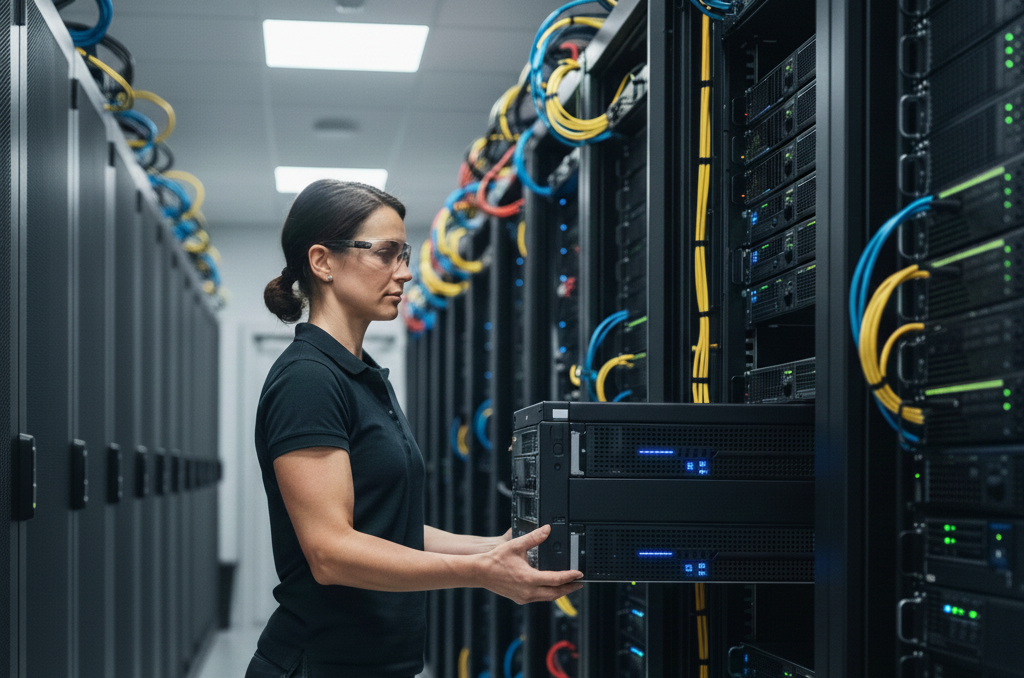
3. Server Installation & Support
It is far more advantageous to buy a suitable rack-mount even though you may easily set up the server on a table or desk. The racks maintain the security and organization of your server hardware, improving scalability.
Cable management is an important but frequently ignored component of server setup. Your wires will be much more manageable if they are neatly arranged and clearly labeled, making troubleshooting more straightforward for servicing, maintenance, and hardware.

4. Server Operating System
Servers require customized operating systems that are more durable and made to accommodate several people at a time.
Popular options: Windows Server Essentials, Linux Ubuntu Server, Red Hat Enterprise Linux, and CentOS.
Key considerations:
User-friendliness: ease of installation, configuration, and operation
Support: availability of customer assistance
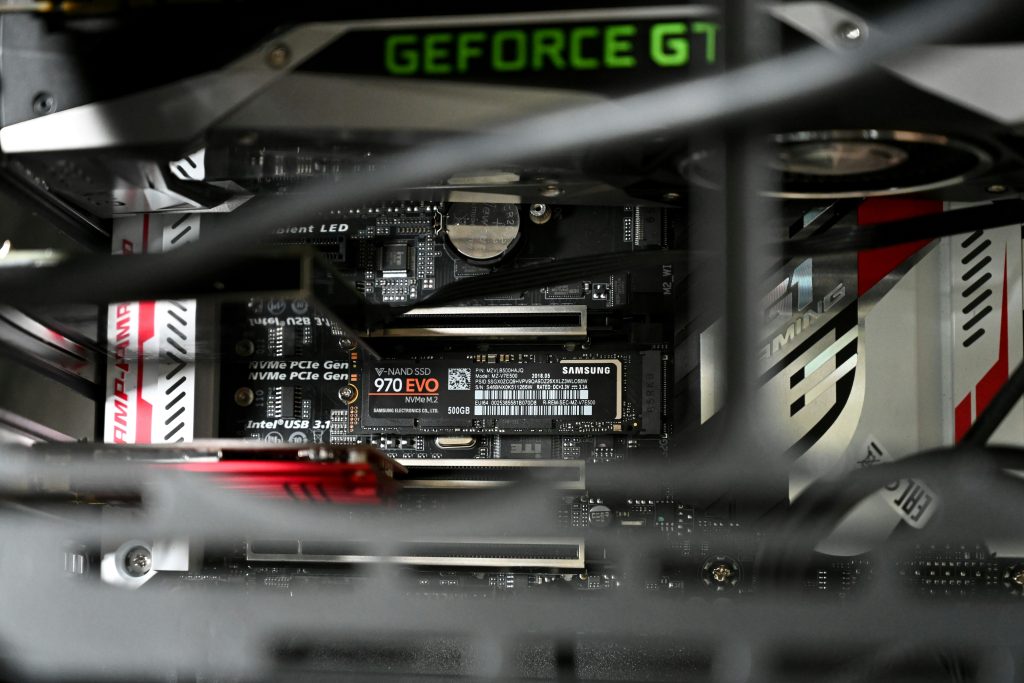
5. Server Configuration
Installing the operating system is a prerequisite for server configuration. This method is similar to installing software from a DVD, USB drive, or virtual media.
Standard setups:
Create a strong administrator password
Configure network settings
Add local admin accounts and connect PCs
Set up as domain controller
Configure sharing and remote access options
Create server backup plan

6. Server Security Implementation
The most crucial piece of equipment in your office may very well be your server. Providing customer services, exchanging data, managing databases, and many other company activities revolve around this hardware.
Security measures:
Restrict physical and virtual access
Use and update antivirus/anti-malware
Configure and maintain firewall
Initiate intrusion prevention/detection
Encrypt your data
Back up important data regularly
DarwinCare IT Proactive Services
24/7 Monitoring
Day and night your systems are monitored to alert us about server, hardware, or operating system issues. Your computer checks in to DarwinCare IT every 30 seconds confirming the health of your systems. When there’s a problem, our technicians can be available even during non-business hours, if necessary.
Comprehensive Network Reports
With DarwinCare IT you get regular reports showing you the overall health of your computers. Our reports keep you informed of what’s happening on a day-to-day, week-to-week, and month-to-month basis, so you have tangible proof to protect your business and address any issues down the road.
Anti-Virus & Anti-Malware
Our systems regularly scan for threats and pinpoint and delete them as they happen. This way your network stays clean and, with our layered approach to security, we can minimize the chances of infections, protecting you from the costly aftereffect of a virus or spyware infection.
Anti-Spam
Our spam management tools will keep your email system moving so you can maintain productivity through uninterrupted email communication.
Managed Security
Keeping your data secure and any customer data you may have is a requirement you can’t ignore. With our managed security services, all your data can be safe and secure.
Business Continuity
We help you plan for unexpected disruptions that might affect your business. Whether fire, flood, theft, viruses, or hacking, we help you plan for IT system failures so your business can recover quickly and efficiently.
Explain To Us The Issue
contact us
Find us Here
- 771 Windsurf Street
- Roodepoort, Gauteng
Training Hours
- Mon- Fri: 7am- 5pm
- Saturday: 9am-1pm