-
771 Windsurf Street, Roodepoort, SA
-
+27 83 319 7201
-
darwin.ait03@gmail.com


DARWIN IT
Cloud computing
services
Harness the power of cloud technology to transform your business. Access scalable, secure, and cost-effective computing resources on-demand, without the complexity of managing physical infrastructure.
What is Cloud Computing?
Cloud computing refers to the use of hosted services, such as data storage, servers, databases, networking, and software over the Internet. The data is stored on physical servers, which are maintained by a cloud service provider. Computer system resources, especially data storage and computing power, are available on-demand, without direct management by the user in cloud computing.
Instead of storing files on a storage device or hard drive, a user can save them on cloud, making it possible to access the files from anywhere, as long as they have access to the web.
Cloud Deployment Models
Private Cloud
Computing services offered over a private IT network for the dedicated use of a single organization. Provides enhanced control, security, and customization through company firewalls and internal hosting.
Public Cloud
Computing services offered by third-party providers over the Internet. Available to anyone who wants to use or purchase them. Services could be free or sold on-demand with pay-per-use pricing.
Hybrid Cloud
Combines public and private cloud features. Allows shifting workloads between private and public clouds as computing and cost requirements change, offering the best of both worlds.
Cloud Service Models
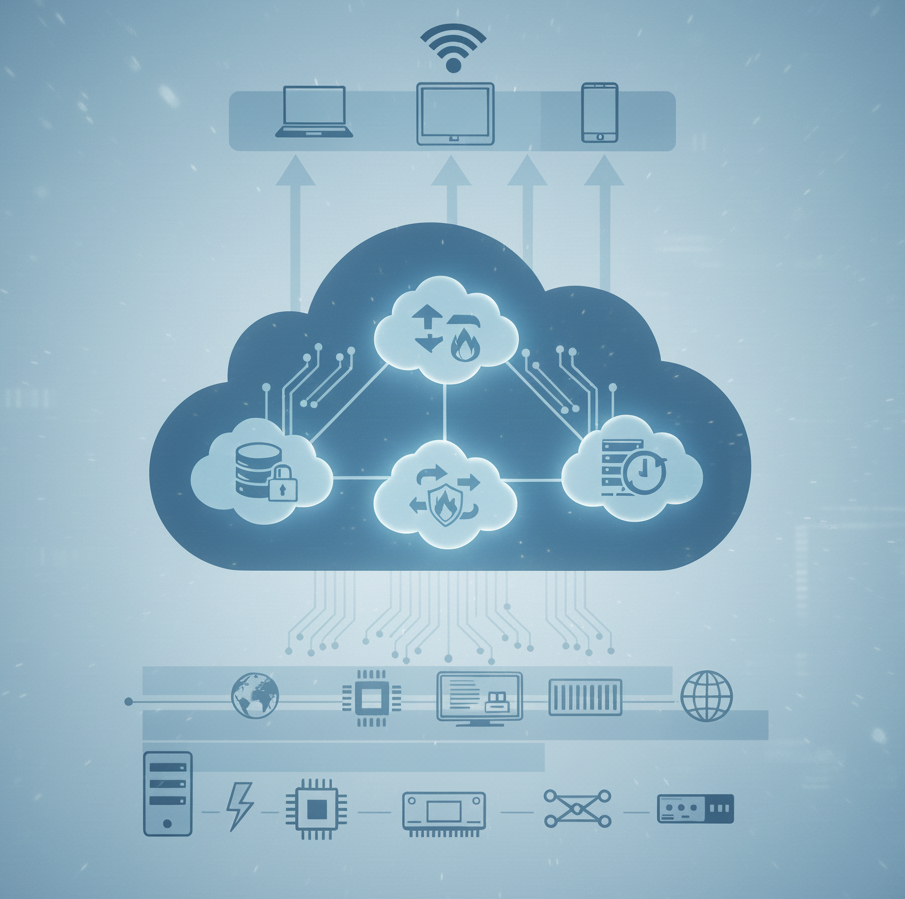
Infrastructure as a Service (IaaS)
Provides servers, storage, and networking over a virtual interface. A third-party vendor hosts the hardware, software, servers, storage, and other infrastructure components.
Physical machines
Virtual machines
Virtual storage
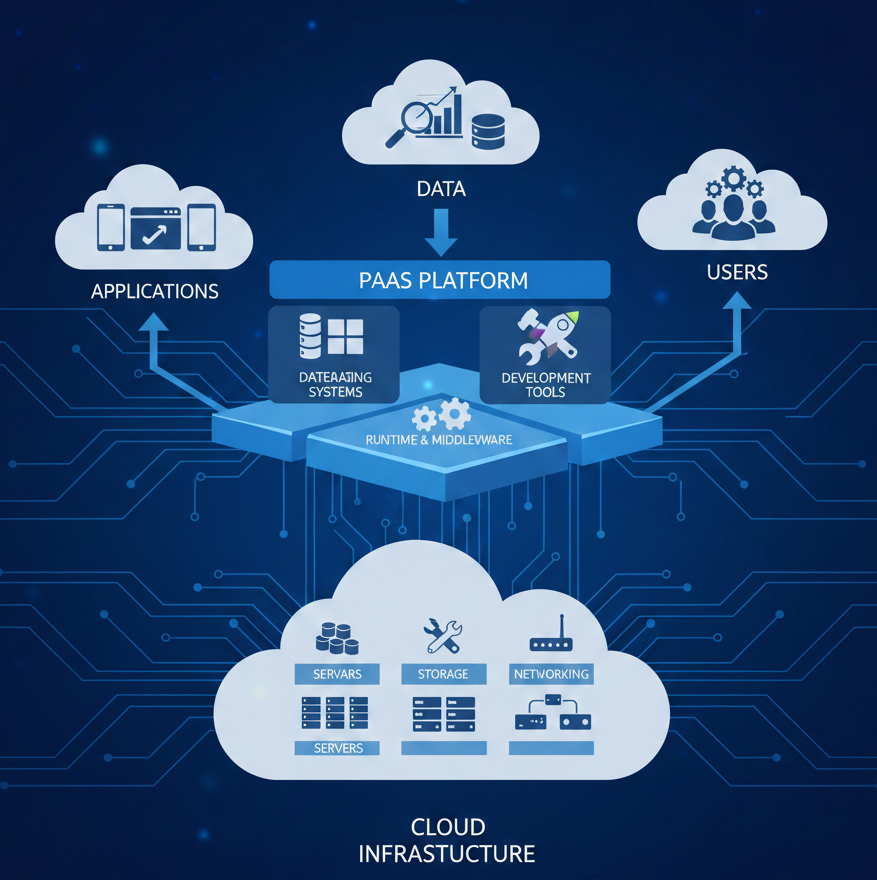
Platform as a Service (PaaS)
Provides a development and deployment environment in cloud that allows users to develop and run applications without the complexity of building or maintaining the infrastructure.
Applications
Development tools
Deployment tools
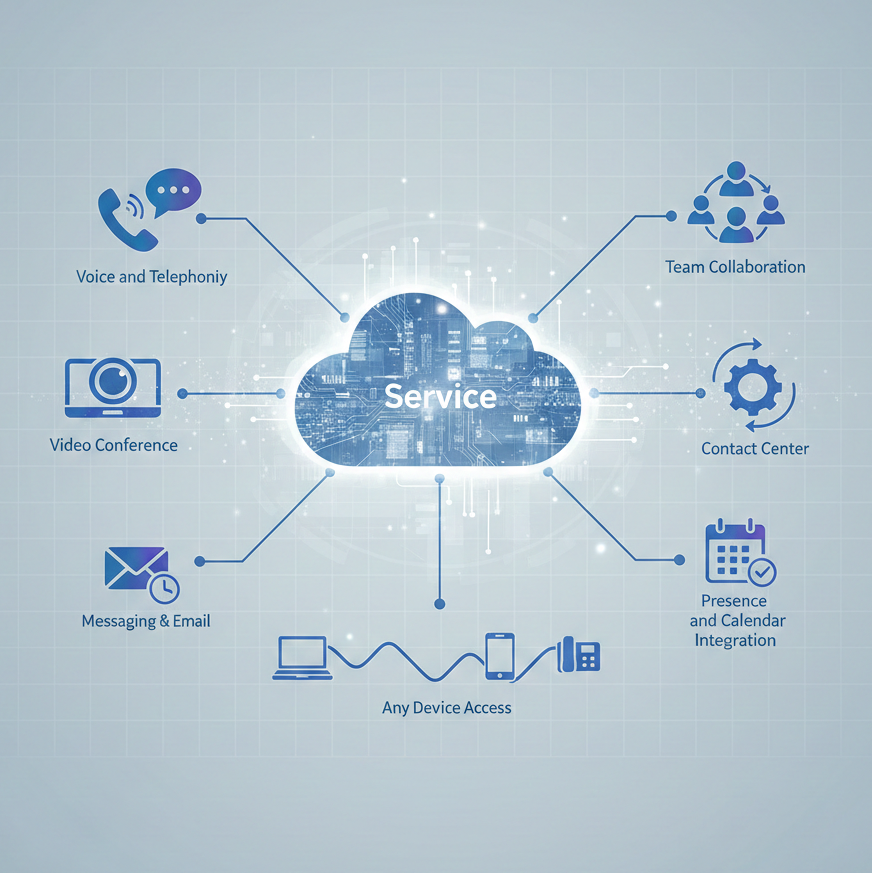
Unified Communications as a Service (UCaaS)
A cloud communication platform that combines telephony, conferencing, unified messaging, instant messaging, mobility, and collaboration into a single platform.
Chat and instant messaging
VoIP phone services
Video conferencing
Collaboration tools
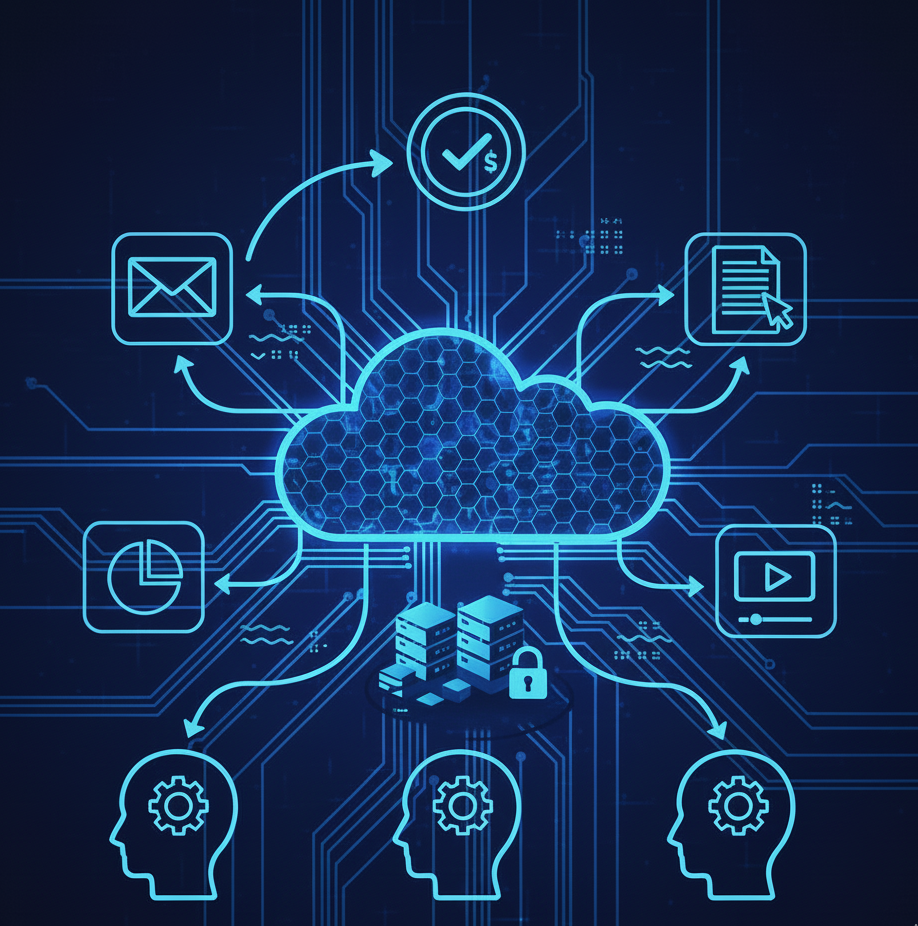
Platform as a Service (PaaS)
Provides a development and deployment environment in cloud that allows users to develop and run applications without the complexity of building or maintaining the infrastructure.
Applications
Development tools
Deployment tools
Virtualization in Cloud Computing
Virtualization is the creation of virtual servers, infrastructures, devices, and computing resources. It changes the hardware-software relations and is one of the foundational elements of cloud computing technology.
The Basics of Virtualization
A Virtual Machine Monitor (also called virtual manager or hypervisor) encapsulates the basics of virtualization. It is used to separate the physical hardware from its emulated parts, including the CPU’s memory, I/O and network traffic. This allows for greater flexibility, control and isolation by removing the dependency on a given hardware platform.
Type 1 Hypervisor
Talks directly to the hardware, virtualizing the hardware platform that makes it available to be used by virtual machines.
Type 2 Hypervisor
Requires an operating system. Most often used in software testing and laboratory research.
Types of Virtualization
Data Virtualization
Abstracting the technical details used in data management, such as location, performance or format, in favor of broader access and more resiliency.
Desktop Virtualization
Enables you to emulate a workstation load, rather than a server, allowing users to access the desktop remotely with enhanced security.
Network Virtualization
Combining available network resources by splitting up bandwidth into different channels, each being separate and distinguished.
Server Virtualization
Masking of server resources by simulating physical servers, changing their identity, numbers, processors and operating systems.
Storage Virtualization
Pooling hardware storage space from several interconnected storage devices into a simulated single storage device managed from one console.
Application Virtualization
Abstracting the application layer, separating it from the operating system, allowing applications to run in an encapsulated form.
Unified Communications as a Service (UCaaS)
UCaaS allows teams to communicate more efficiently by combining tools into a single, easy-to-use, cloud-based platform. It replaces the traditional on-premise PBX and eliminates the need for companies to provide analog phone lines for each handset.
Essential UCaaS Functions
Chat
Instant messaging with individual and group messaging, team channels, and embedded file sharing capabilities.
Video
Online meetings with screensharing, recordings, and chat for face-to-face interactions across time zones.
Voice
VoIP phone services including call forwarding, conference calling, call recordings, and advanced call routing.
Collaboration
Calendars, scheduling, file sharing, and project management tools for cross-functional teamwork.
Key Benefits of Cloud Computing
Cost Reduction
Reduces capital expenditure with pay-as-you-go models. Businesses only pay for the services they use, avoiding expensive infrastructure purchases.
Mobility and Flexibility
Access data via the Internet from anywhere, anytime. Enables remote work and collaboration across locations with ease.
Data Protection
Safely stores and protects data in the event of an outage or crisis, making it easier to resume work once systems are restored.
Scalability
Quickly scale users from a few to thousands. Adjust storage needs up or down based on demand, allowing organizations to remain flexible.
Performance
Runs on a worldwide network of secure datacenters with fast, efficient computing hardware, reducing network latency for applications.
Speed and Efficiency
Removes time-consuming IT management chores like hardware setup and software patching, allowing teams to focus on business goals.
Disaster Recovery
Makes data backup and business continuity easier and less expensive with data mirrored at multiple redundant sites.
Enhanced Security
Cloud providers offer policies, technologies, and controls that strengthen security posture, protecting data, apps, and infrastructure.

insights
Get Started with Cloud Computing
Cloud computing is quickly becoming an integral option in our technical lives. If you need help walking through the options of getting your information saved, shared, or collaborated on using the cloud, Darwin IT & Associates is here to help.
Explain To Us The Issue
contact us
Find us Here
- 771 Windsurf Street
- Roodepoort, Gauteng
Training Hours
- Mon- Fri: 7am- 5pm
- Saturday: 9am-1pm